

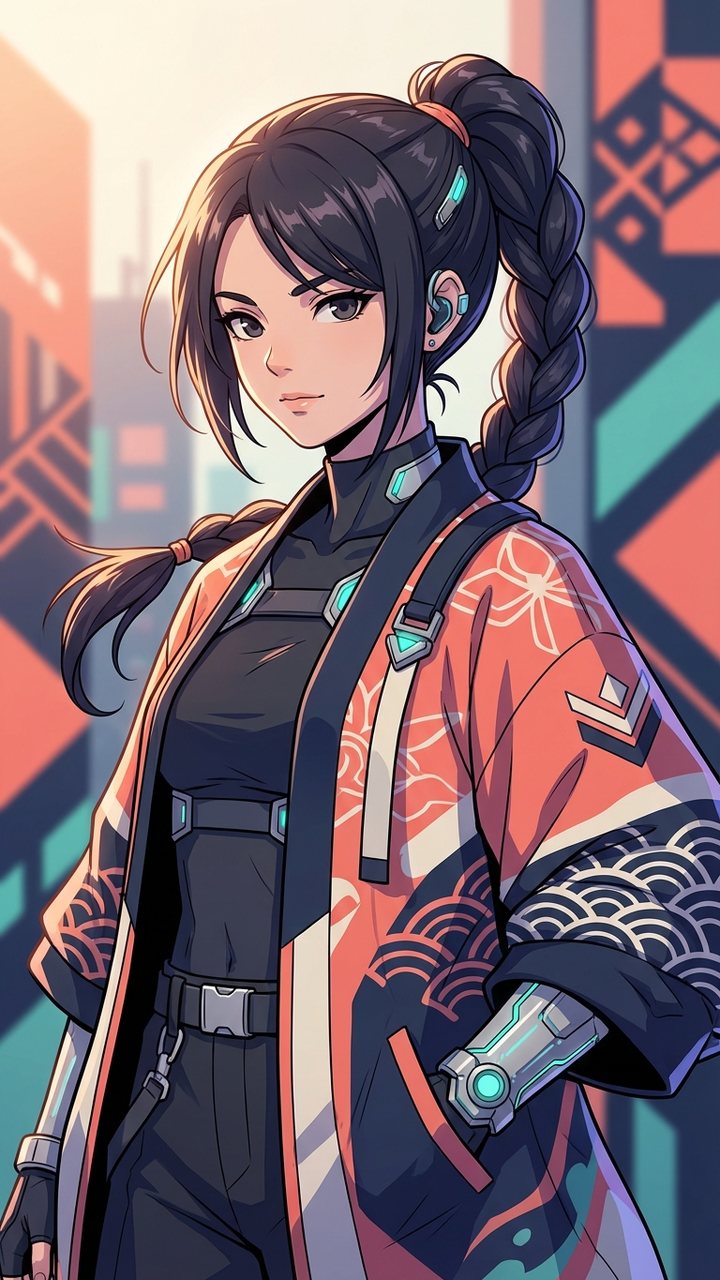
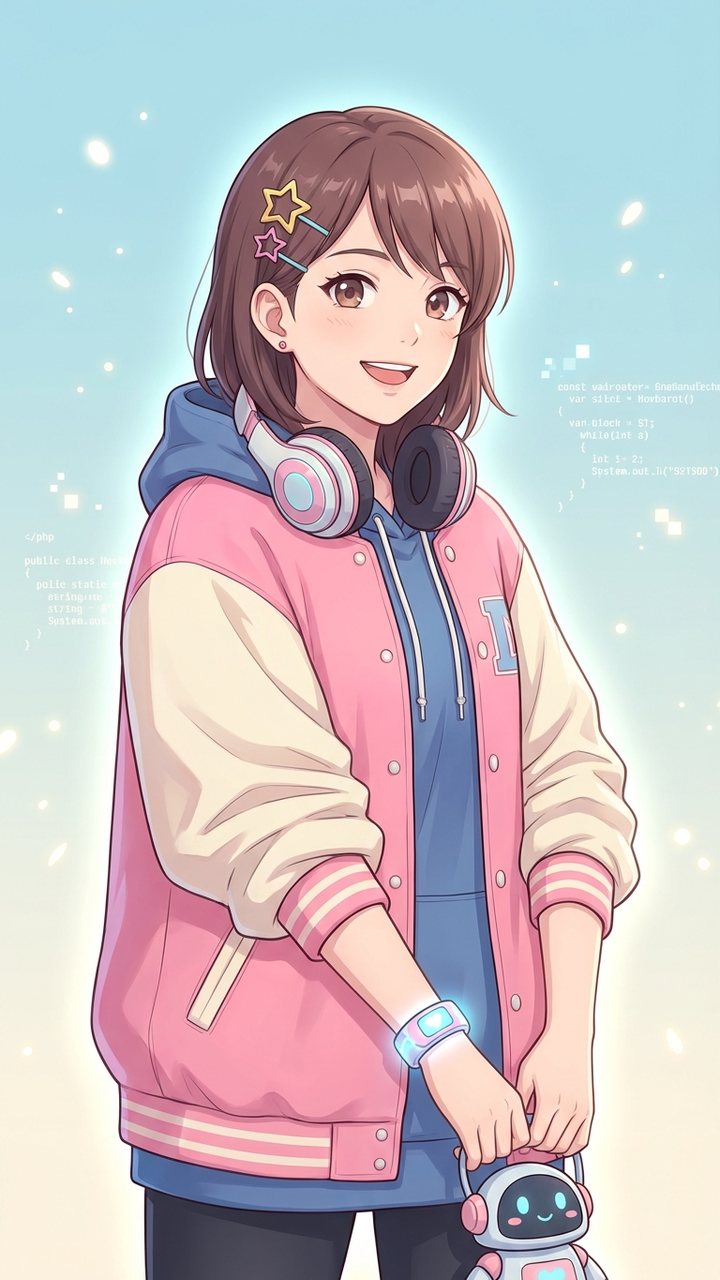

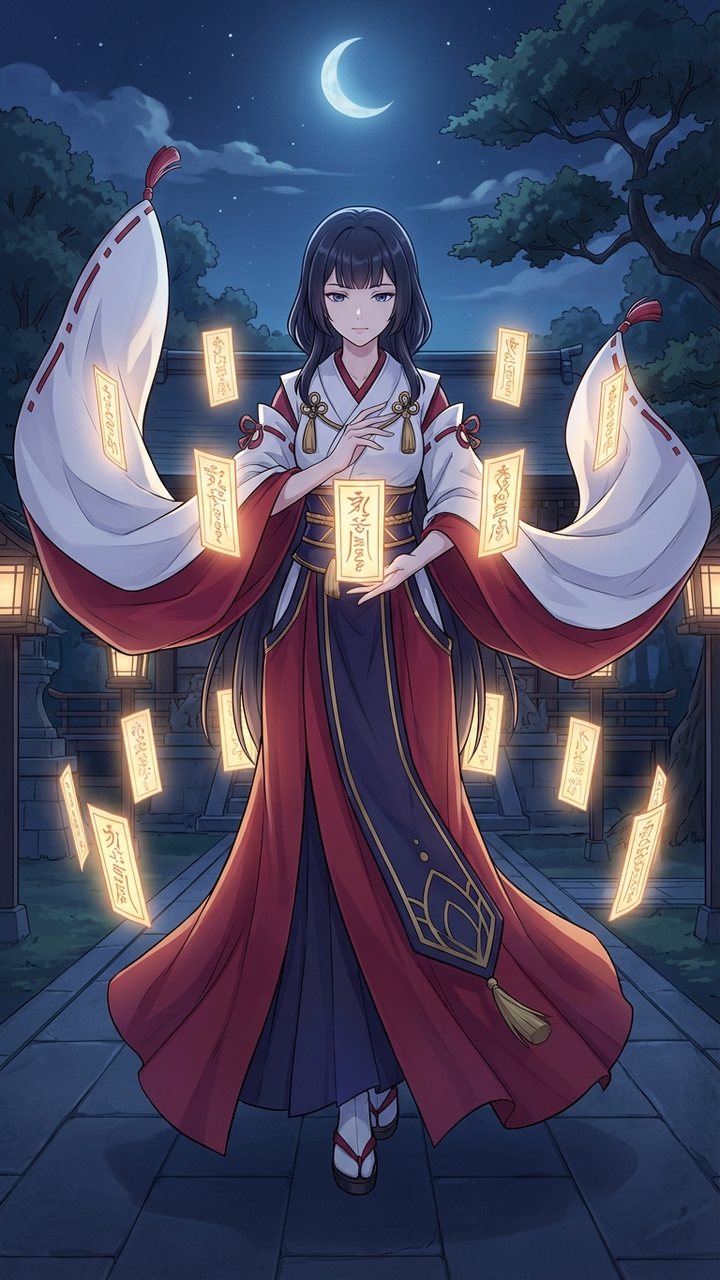
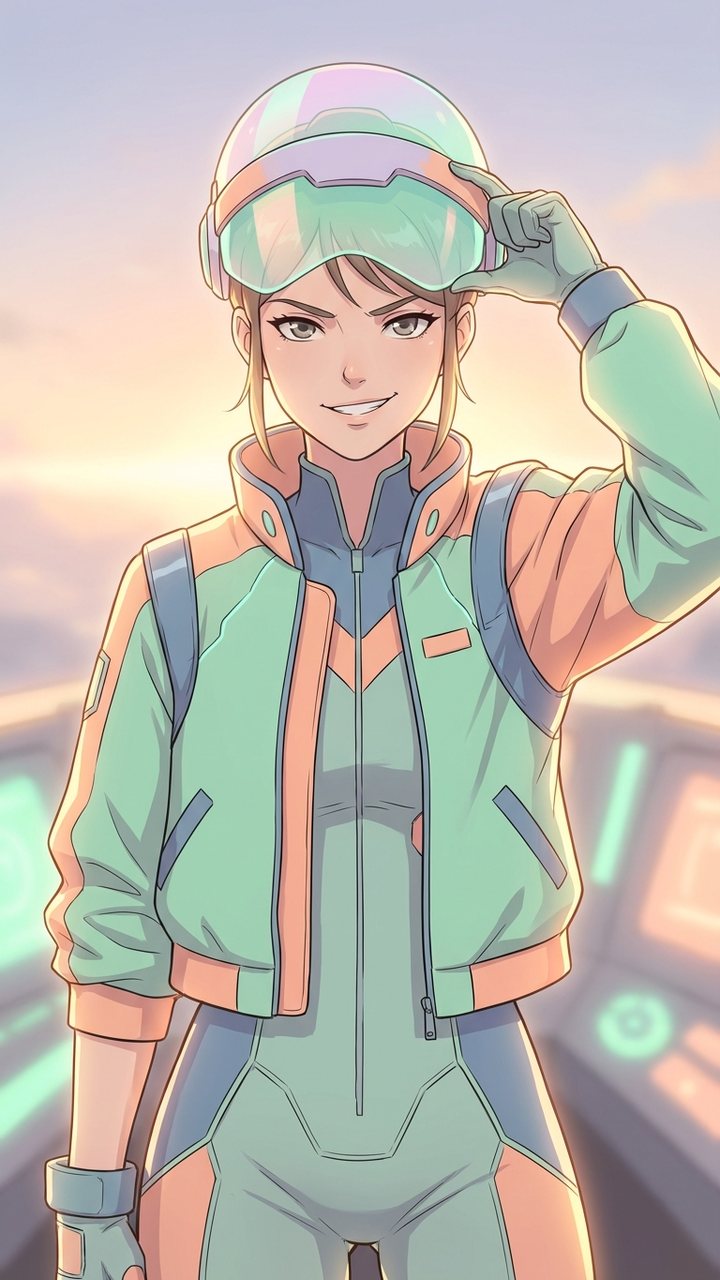

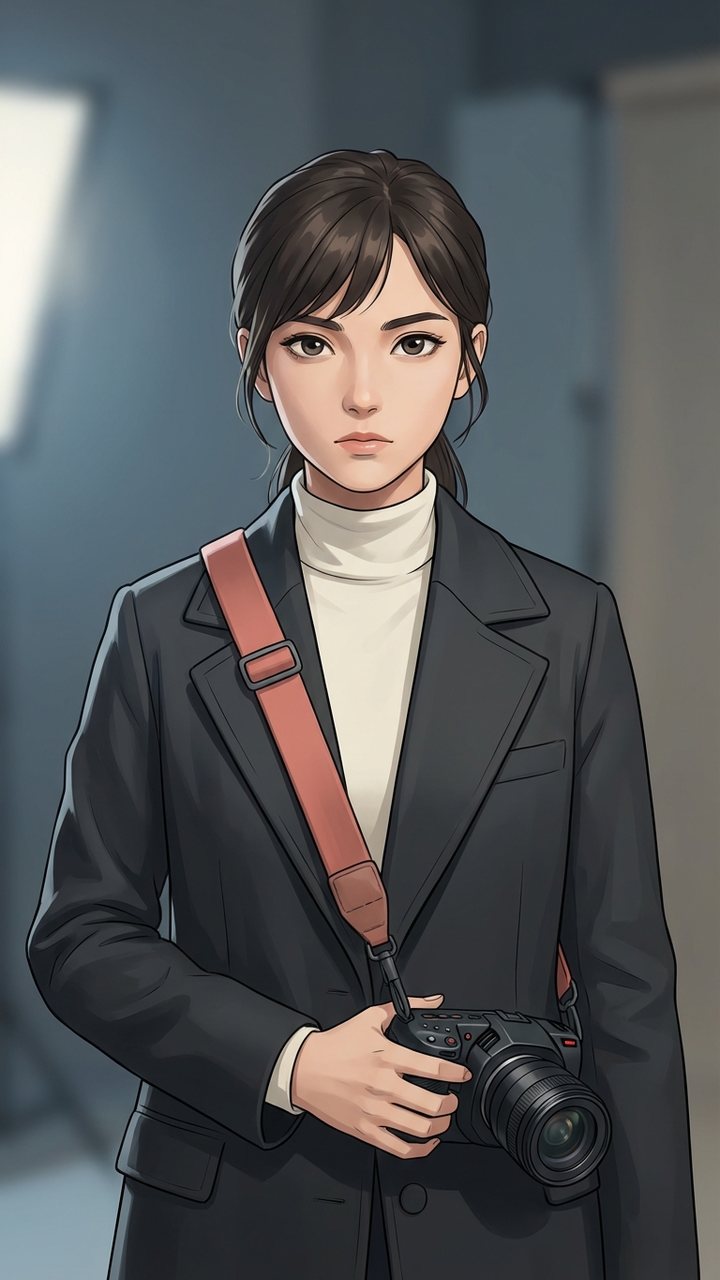
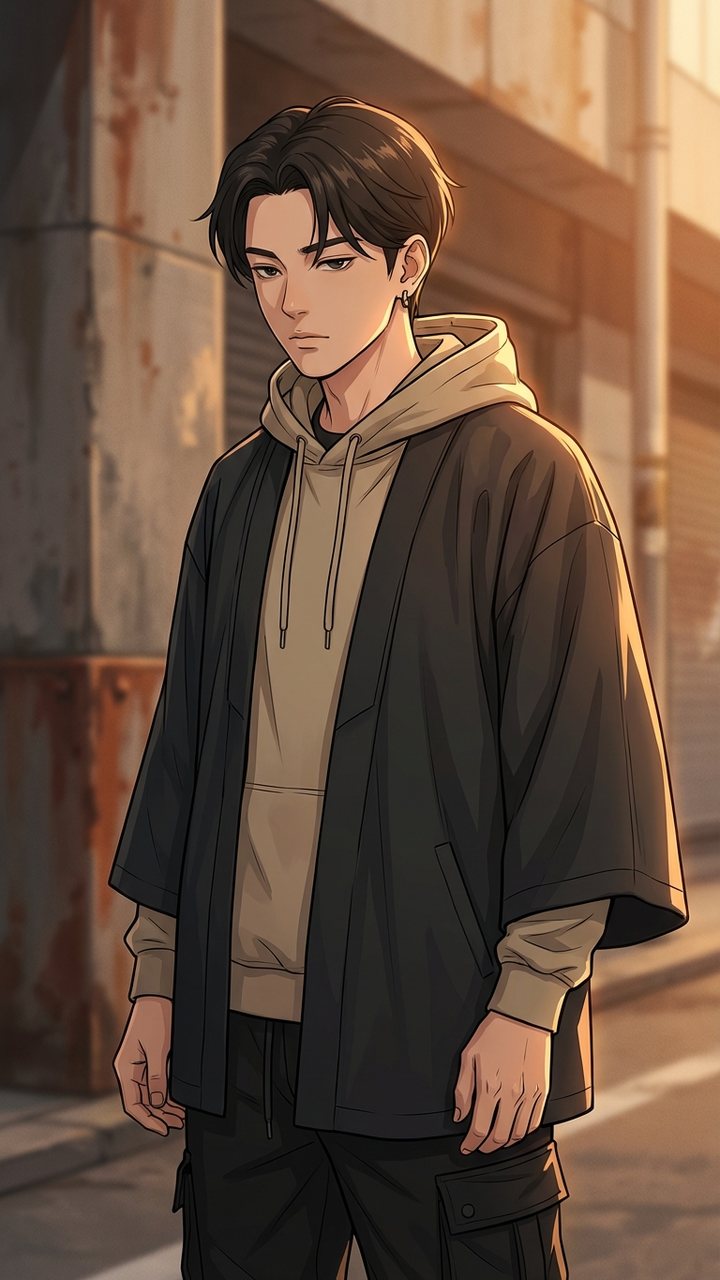
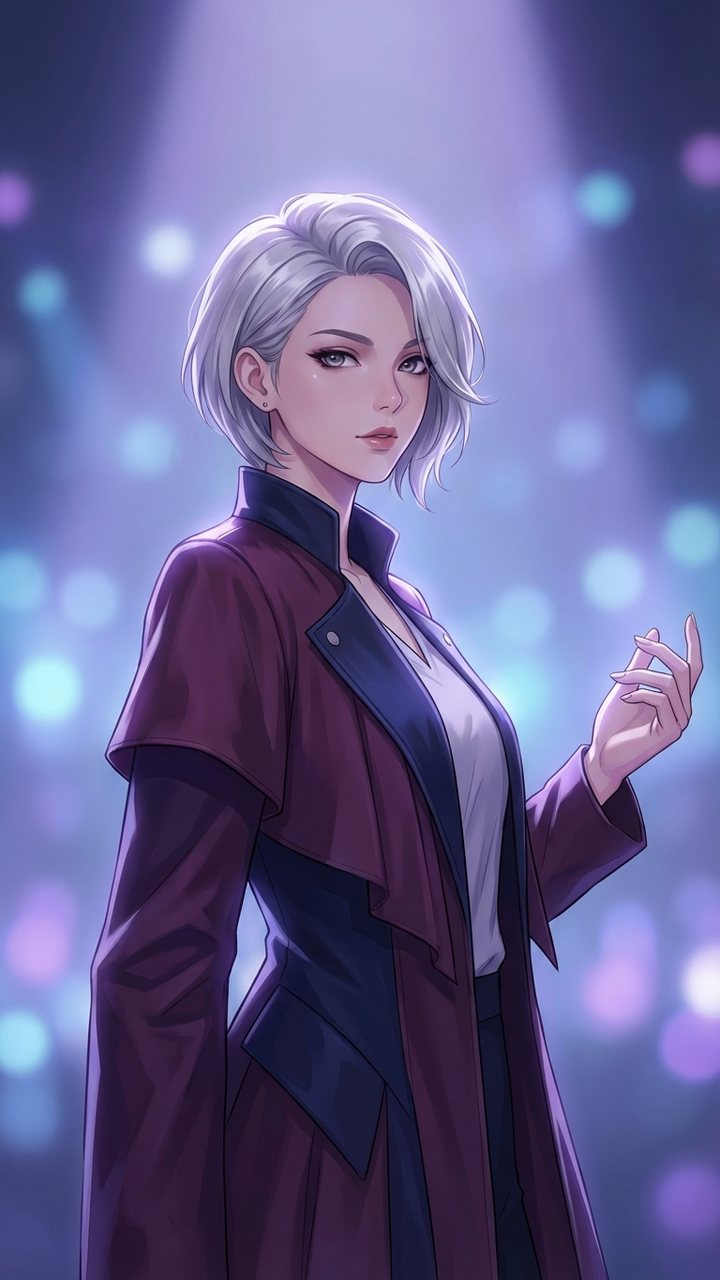
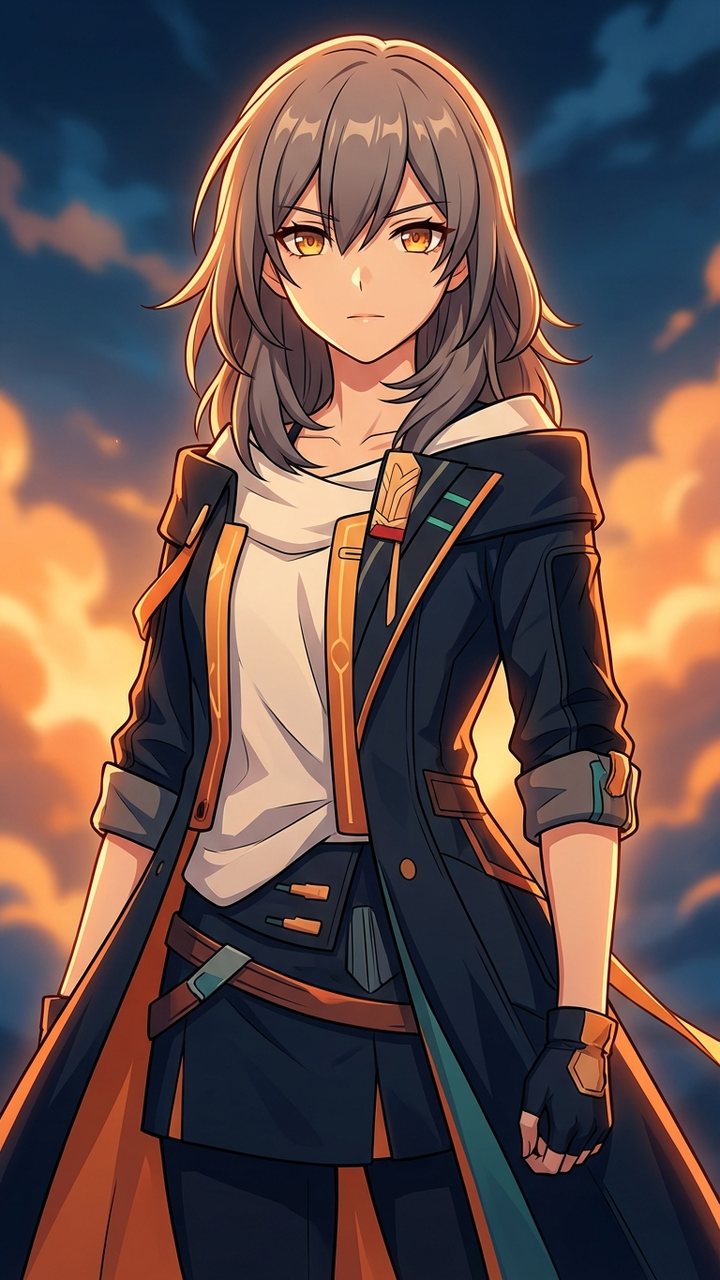
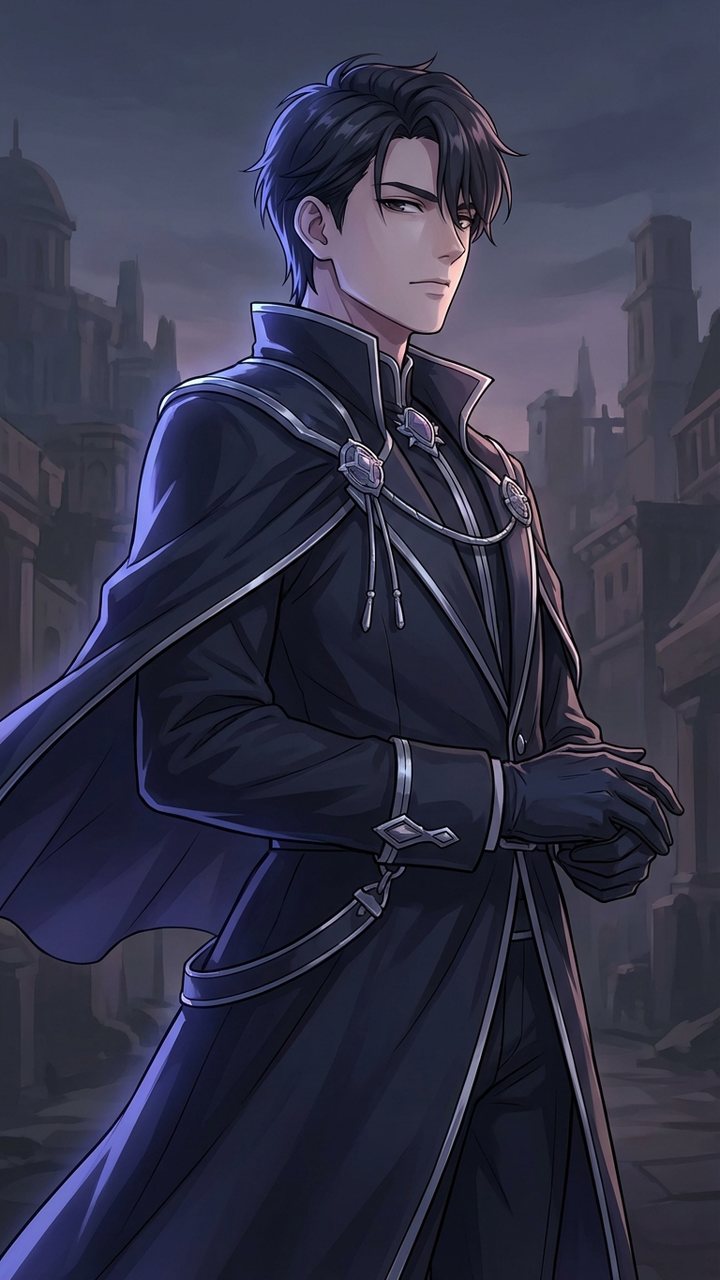
One Anime Workflow for Characters, Storyboards, and Motion
Anime Builder gives anime creators a compact production desk for characters, references, storyboards, and motion tests. Build the character pack, refine the reference, preview the shot, then ship teaser-ready visuals.
Made for indie directors, VTubers, fandom teams, visual novel creators, and small anime studios.


10K+ creators are already using Anime Builder for character and PV workflow tests
Follow the Anime Production Order
Move from character direction to reference cleanup, motion preview, and release assets.
Create the Character Pack
Start with character briefs, costume notes, expressions, props, and signature poses.
Refine with References
Use image-to-image and effect tools to keep faces, outfits, and palette choices consistent.
Preview Motion
Turn text and still art into teaser shots, camera tests, loops, and PV fragments.
Package for Release
Export key art, thumbnails, clips, and optional soundtrack drafts for launch or handoff.
Four Working Zones for Anime Creation
Each stage gives your project a clear next step.
Character Lab
Generate lineups, portrait sheets, poster art, and visual-novel assets before you touch motion.
Reference Refinery
Turn photos, rough sketches, and previous outputs into stable anime references for later shots.
Motion Studio
Use text-to-video and image-to-video for shot timing, reveal loops, and lightweight previs.
Release Layer
Style effects and soundtrack drafts still matter, but only after the visual direction is already strong.
Choose the Right Tool for Each Stage
Start with the visual pipeline, then add effects and audio where they help.
Character Lab
Primary entry point for original characters, lineup sheets, posters, and creator identity art.
Reference Refinery
Primary support layer for expression passes, outfit changes, redraws, and identity lock-in.
Motion Studio
Primary motion layer for storyboard beats, teaser loops, and stylized preview clips.
Video Restyle
Secondary but strong layer for turning previs, cosplay, or live action into anime direction.
Effects
Support layer for avatars, figures, and style gimmicks once the core character direction is clear.
Soundtrack Beta
Useful for opening cues and mood beds once the character and scene direction are already clear.
Why Anime Builder Feels Different
The workflow is purpose-built for anime production instead of broad, disconnected generation.
Character, Cleanup, Motion, and FinishCreative Brilliance
See how each output supports a practical anime production loop.
Character Pack
Stable protagonists, side characters, and profile variants
Reference Cleanup
Repair rough art and hold identity between passes
Storyboard Motion
Text to motion previews for PV beats
Color Script Frame
Explore palette and scene energy before final render
Character Rendering
Use image models for sharp anime key art
Trailer Key Art
Build launch stills, PV thumbnails, and episode covers
Character Pack
Stable protagonists, side characters, and profile variants
Reference Cleanup
Repair rough art and hold identity between passes
Storyboard Motion
Text to motion previews for PV beats
Color Script Frame
Explore palette and scene energy before final render
Character Rendering
Use image models for sharp anime key art
Trailer Key Art
Build launch stills, PV thumbnails, and episode covers
Built for Real Anime Workflow
Creators use Anime Builder to connect character work, refinements, and motion tests.
I need character sheets first and only then motion. Anime Builder matches the way I actually work.
Sarah Jenkins, OC Artist
Sarah Jenkins
OC Artist
I can immediately tell where to start, where to refine, and where to build teaser loops.
Rachel Kim, VTuber Creative Lead
Rachel Kim
VTuber Creative Lead
The product feels like a production pipeline, not a menu of disconnected generators.
Marcus Thompson, Indie Animation Director
Marcus Thompson
Indie Animation Director
Workflow Questions
Quick answers about how to use Anime Builder's production flow.
Start with the Character, Then Move Downstream
Open Character Lab, create your first anchor image, then move into refinement and motion.